




Property management, room by room.

Built for the way London rents.

Request a demo
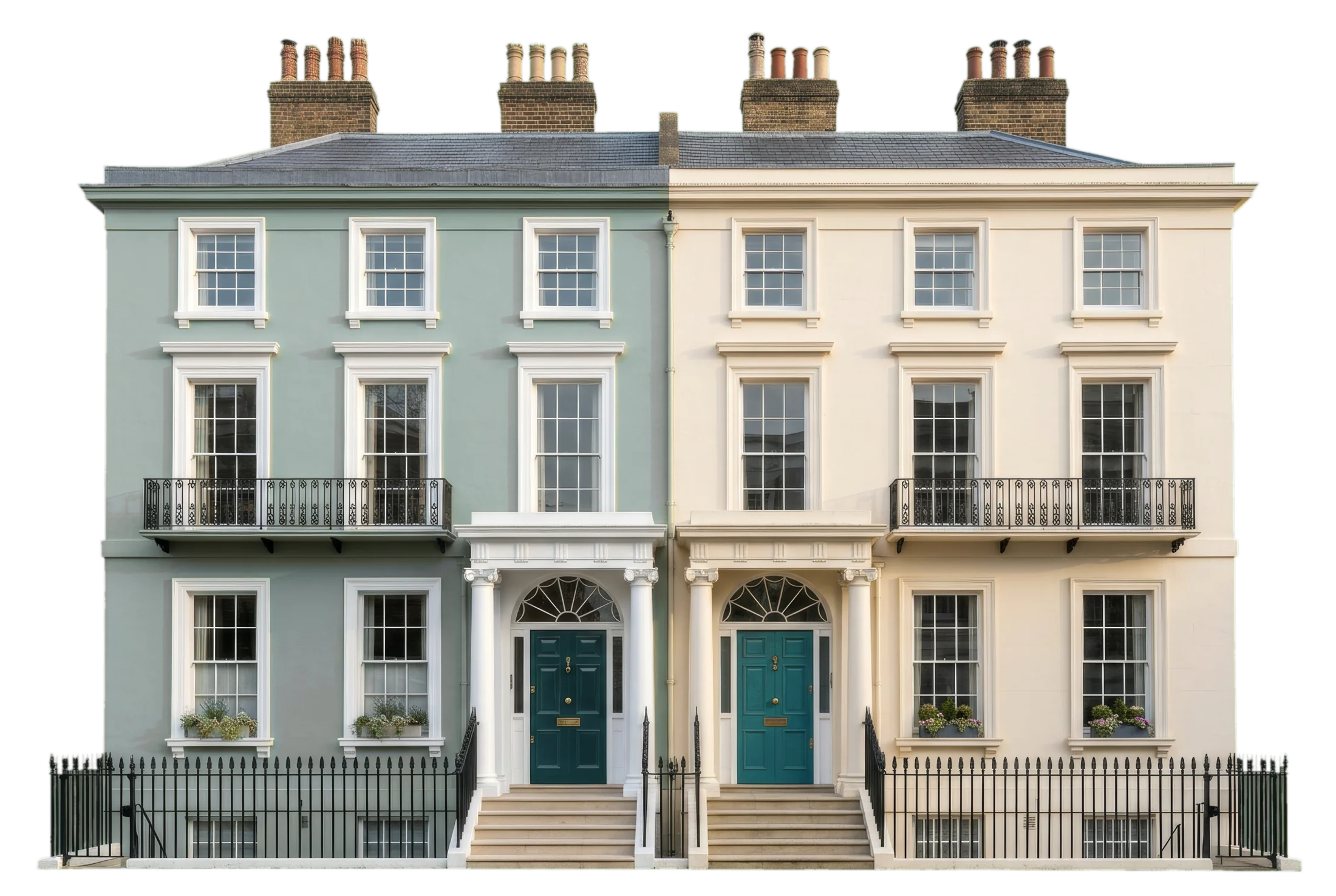
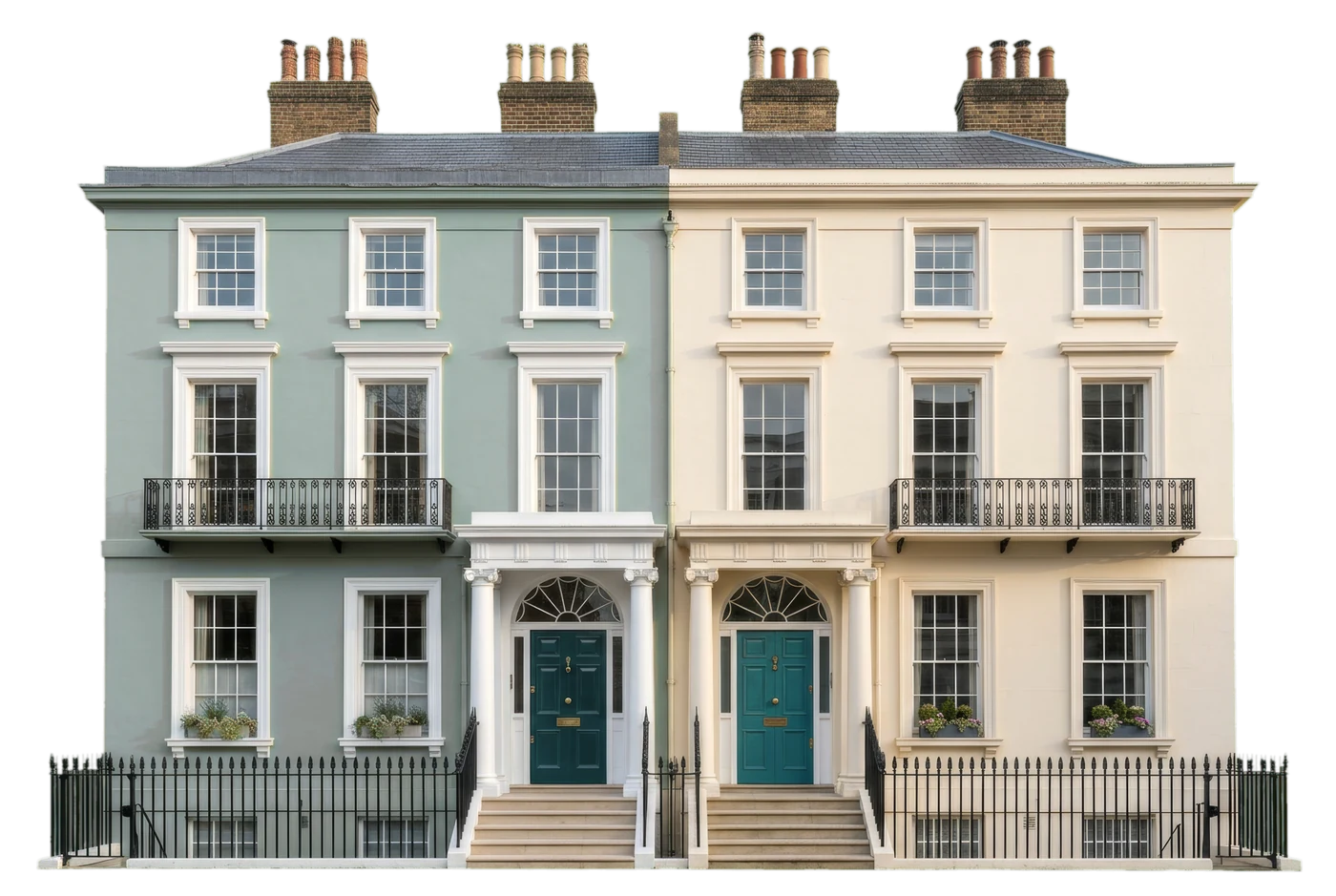
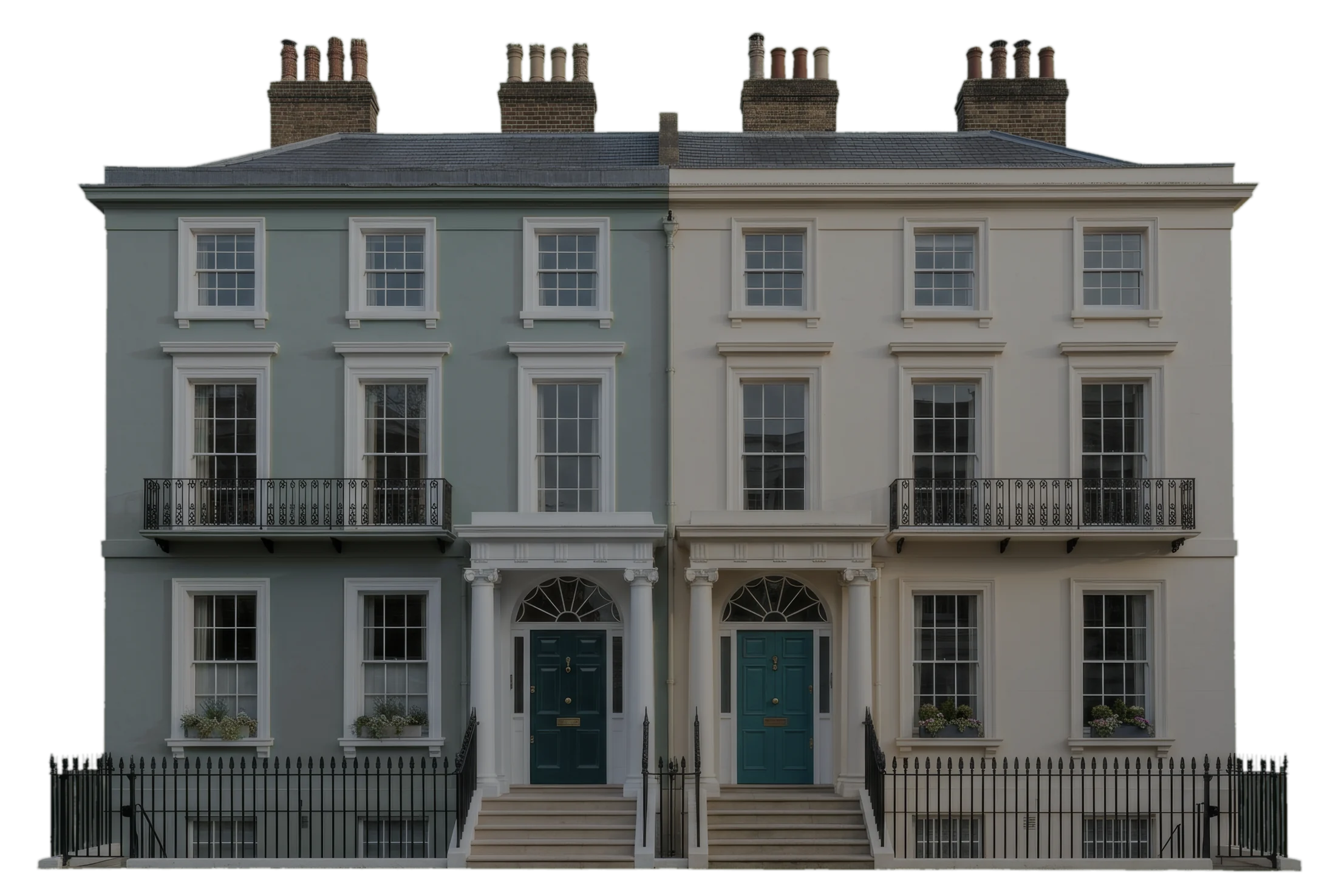
Two London townhouses, one painted sage and one cream, with deep teal front doors

Why Harbor

London doesn’t rent by the flat. It rents by the room. Most property software assumes one tenant per unit. Harbor is built rooms-first, so your numbers match how you actually let.

16 rooms, each with its own tenancy

Two London townhouses side by side, one sage and one creamUnit 1Unit 2

It isn’t about properties. It’s about rooms.

A tenant by the window of her room
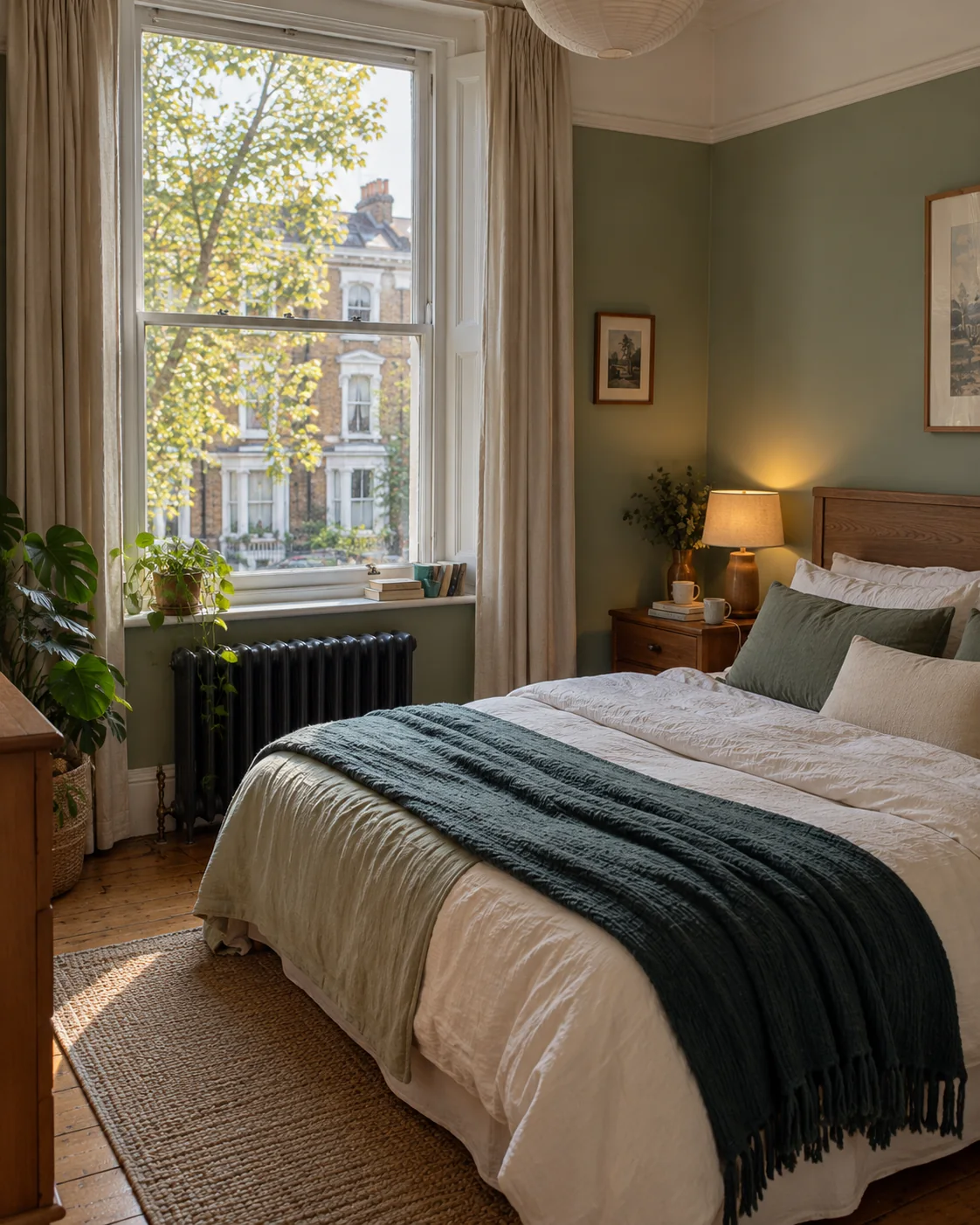
A bright bedroom in a London house share
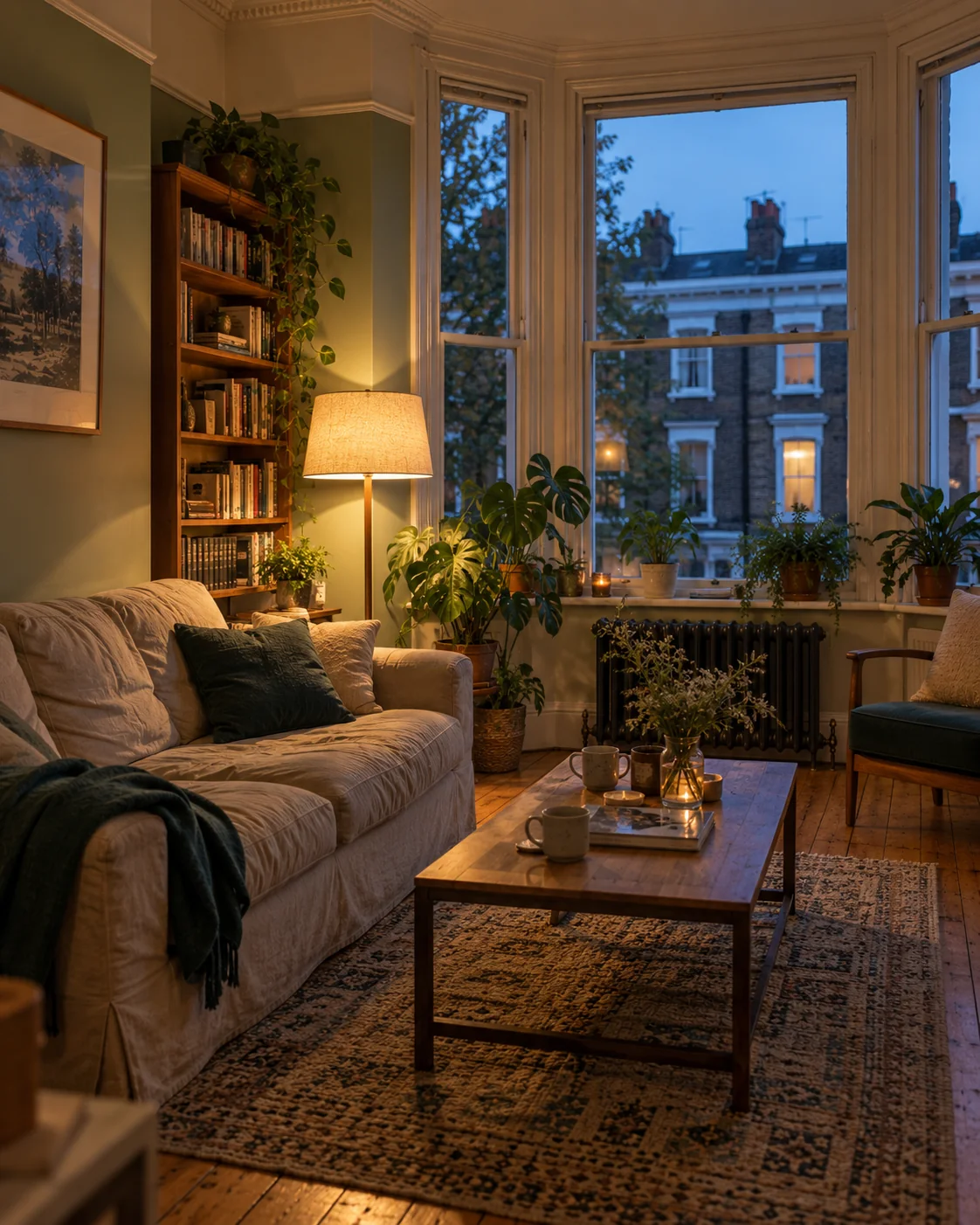
A shared living room in the evening
A tenant in the shared kitchen

Every room has its own price, status, tenant and tenancy. Occupancy, rent roll, vacancy loss, arrears and profit all add up from the rooms.

One system.
Enquiry to deposit return.

Request a demo

What’s built in:

  1. 01

    Every room tracked on its own. Price, status, availability date, tenant and tenancy, room by room.

  2. 02

    One system, start to finish. Applications, bookings, contracts, rent, deposits, notice and move-out. Nothing re-keyed.

  3. 03

    Deposit protection built in. Register and protect deposits, download prescribed information and handle repayments in Harbor.

  4. 04

    Certificates that chase their own renewals. Eight certificate types per property. Red when expired, amber 30 days before.

  5. 05

    An AI assistant that knows your portfolio. Ask it anything, like who’s late with rent this month, and get the answer from your own data. It also triages repairs and works out an acquisition’s break-even.

Built in

Harbor works while you’re out.

Reminders send themselves. To your team or your tenants, whenever something is due.

Example screens

Our story

Built by someone who’s done the job. Not by a remote product team.
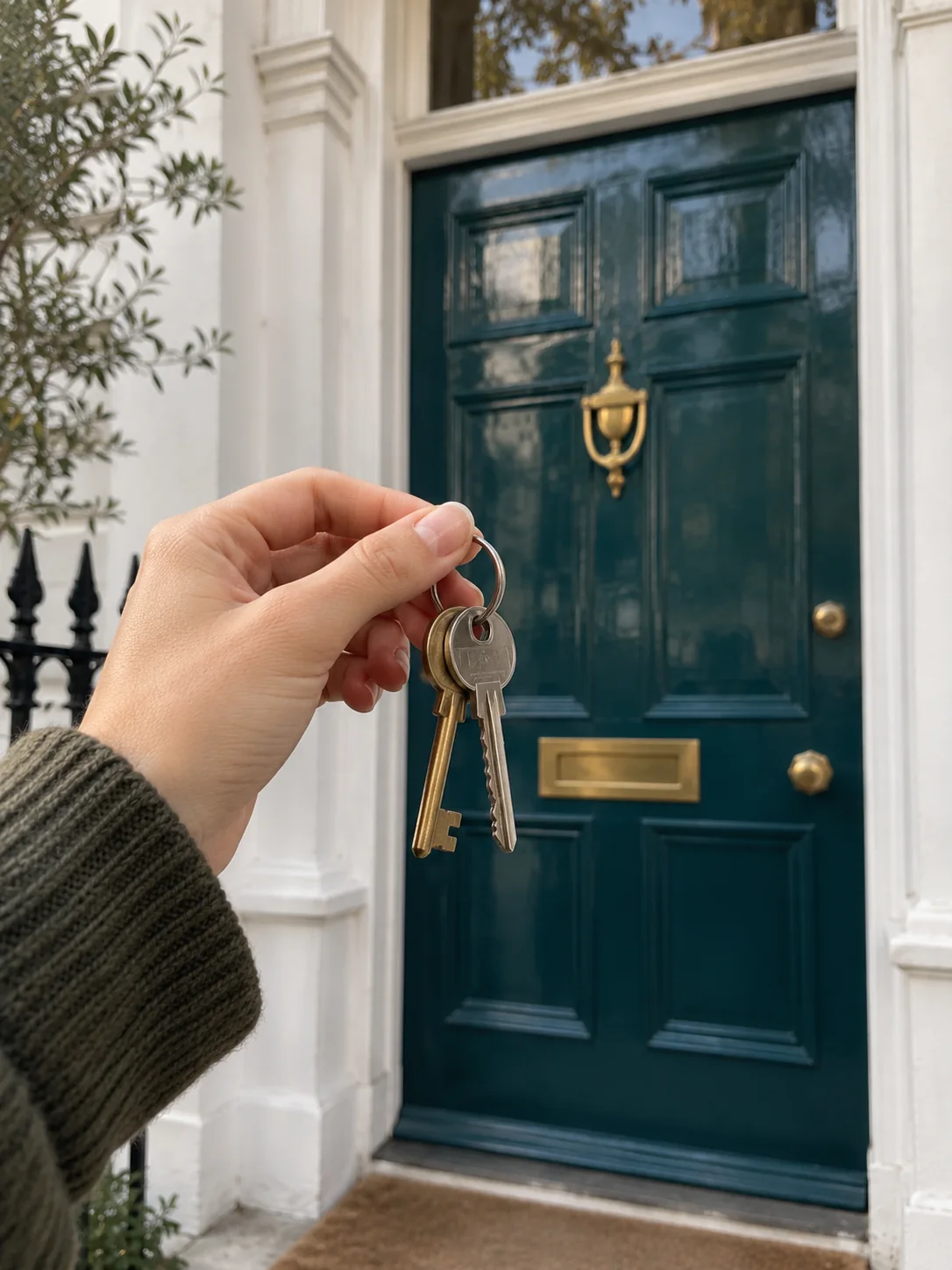
House keys held up in front of a deep teal front door
London rooftops with the City skyline in the distance

I’m a software developer who spent a year working in real estate, and saw how far its tools had fallen behind the job. So rather than wait for someone else to fix it, I built Harbor.

Request a demo

What it does

How Harbor runs your rooms.

  1. 1

    Enquiries from Zoopla and other property portals arrive in one inbox, ready to work.

    Leads

  2. 2

    Each room has its own price, status, availability date, tenant and tenancy. Portfolio figures add up from the rooms.

    Rooms

  3. 3

    Upload a statement from Barclays, HSBC, Lloyds, NatWest or Santander, or any CSV or PDF. Payments are matched to expected rent and mismatches are flagged.

    Rent

  4. 4

    Register and protect deposits with the approved schemes, download prescribed information and handle repayments without leaving Harbor.

    Deposits

  5. 5

    Gas Safety, EICR, EPC, HMO licence and four more, per property. Red when expired, amber 30 days before.

    Compliance

  6. 6

    Run every portfolio from one place, with monthly profit and loss for each, including what empty rooms cost you between lets.

    Profit

Every room, every payment, every certificate. Backed by a 24/7 help desk.

Request a demo

Features

The day-to-day, on rules you set.

See it in a demo
  • Automated chasing. Every message can be previewed before it goes out.

    • Rent reminders
    • Arrears
    • Tenancy expiry
    • Right-to-rent expiry
    • Certificate renewals
    • Stalled works orders
  • Your branded tenant portal. Tenants see their rent, deposit and repairs, right from their phone.

    A tenant in her room, checking the portal on her phone
  • Applications, viewings and offers. All online, through your branded site.

  • E-signed works orders. Contractors sign off the job, scope and cost before they start.

  • Email from your own address. Microsoft 365, Gmail or SMTP, with automatic fallback.

  • Custom forms. Capture exactly the information your agency needs.

  • Listings for outside agents. A link to your available properties, without system access.

Pricing

Two plans. One price per workspace.

  • Standard

    £100a month
    per workspace

    Onboarding includes a 1:1 migration session and 90 days of import support.

    • Leads, rooms, rent and compliance
    • The 24/7 help desk
    • Data export from day one
    Request a demo
  • Enterprise

    Request a quote

    Ask us what Enterprise includes for your portfolio.

    • Everything in Standard
    • E-signing for tenancy agreements
    • mydeposits, TDS and DPS integrations
    Request a quote

Bring your portfolio. Leave your spreadsheets.

Request a demo